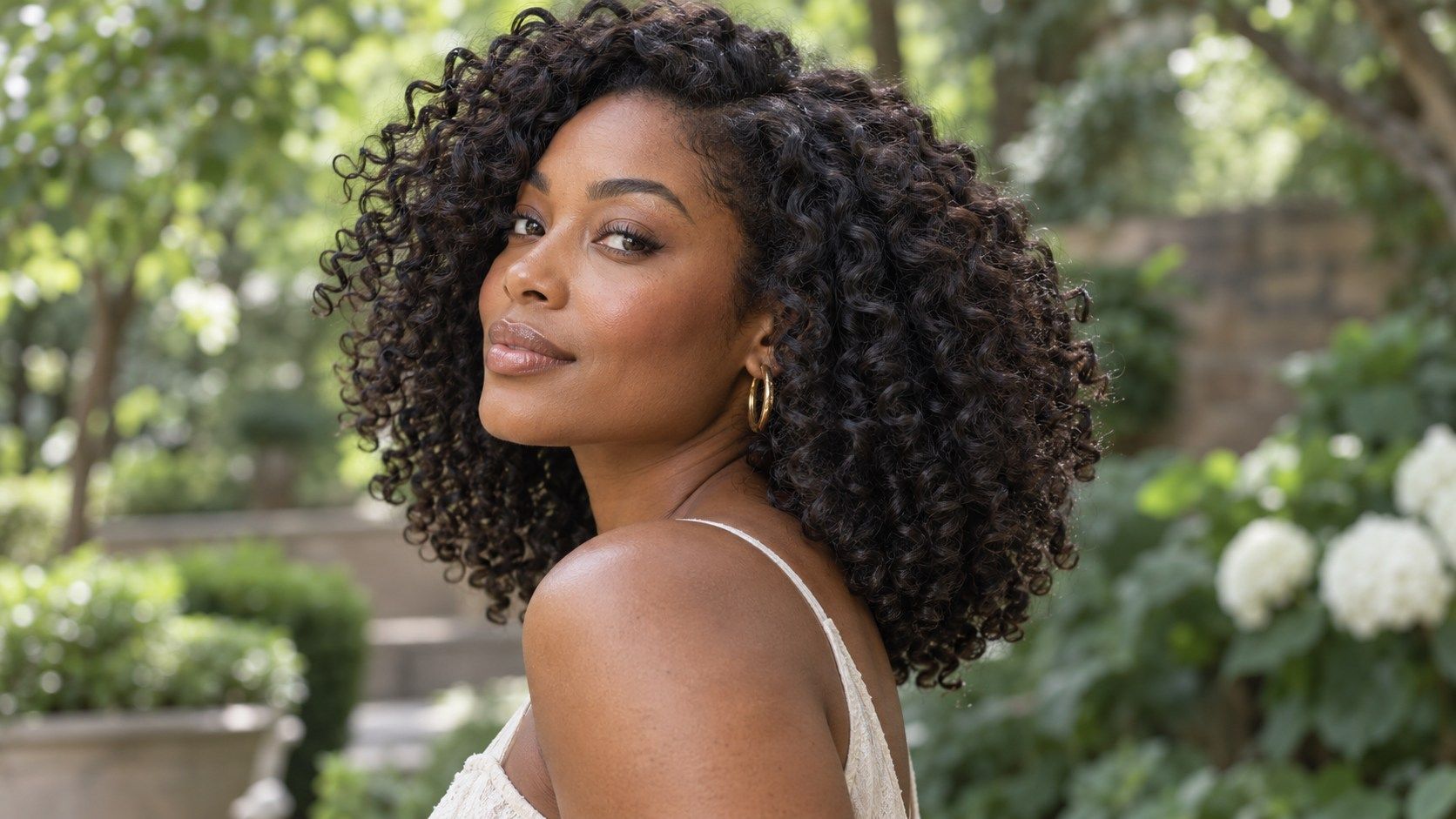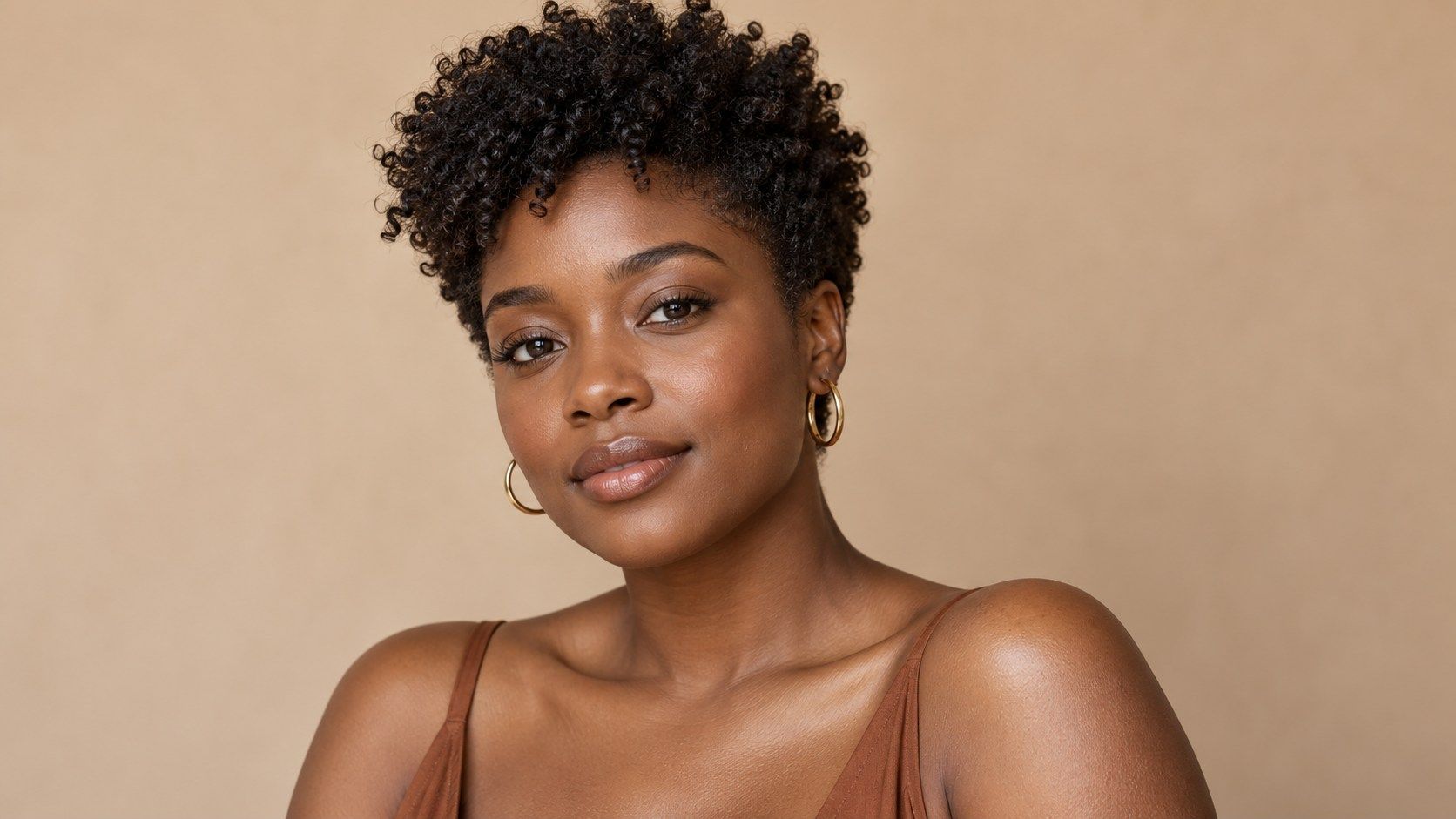
A natural hairstyle try on can help you picture a new silhouette while keeping coils, locs, or other familiar texture at the center of the decision. The preview is most useful when it clarifies shape: a taper, a fuller perimeter, or a change in length. It cannot reproduce every strand or predict how hair will sit after a cut, so compare its outline with real photos and your routine before treating it as a plan. If your natural hair changes substantially between stretched and shrunken states, save both kinds of reference. The preview can show an apparent length, but it cannot infer how much that length will contract when dry. Comparing the two photos makes the distinction visible and gives a stylist better context for discussing the finished silhouette.
Choose a starting photo that represents your routine
Use a current photo with your hair in a state you wear often. If you usually keep coils defined, select a wash-day image; if your regular look is a twist-out or stretched style, use that baseline instead. A natural hairstyle simulator can only interpret the outline it sees. A pulled-back photo may be clean, but it conceals side volume, length, and the perimeter you are trying to compare. Stand in even daylight or soft indoor light, with the camera near eye level. Keep the crown and sides visible, and avoid portrait blur that softens the boundary between hair and background. A front view is useful for balance; a side view can show the nape and temple area. For locs, choose a photo that shows how they fall rather than a temporary updo. The best reference is ordinary and clear, not heavily styled for the camera.
Pay attention to the transition around the temple and nape, where a taper can feel either understated or quite close. A screen image may show a neat edge without representing your own growth pattern. If you want to keep side coverage, say so directly and point to the area; the same cut label may describe different shapes from one shop to another.
Compare silhouette and perimeter, not just the label
A cut name rarely tells the whole story. A taper can be subtle around the ears or much closer at the nape; a rounded shape can carry width at the crown or along the sides. In the preview, trace the outline from temple to ear to nape. Ask where the hair appears fullest, whether the ends form a clean line, and how much scalp is visible. These details are easier to communicate than a broad label such as “short” or “natural.” Try one change at a time. Compare a fuller perimeter with a modest taper, then compare two lengths while keeping the same outline. If the tool changes texture and volume along with length, the comparison is less controlled. Save the images and note what you like in each. You might prefer the nape from one version and the crown from another; that is a useful starting point for a tailored consultation, not a demand that a stylist reproduce a composite image exactly.
Protective styling is part of the decision for many people. Consider whether the proposed length and perimeter work with the braids, twists, wraps, or other styles you already wear. A preview cannot evaluate tension or scalp comfort, and a polished image may hide the maintenance required. Discuss those practical needs separately from the desired outline.
Notice what the tool cannot render
Texture is more than a surface pattern. Coils, locs, and protective styles each have different weight, movement, and maintenance needs. A simulated layer may appear smooth even when your hair naturally separates into sections, while a loc style may be represented as a generic mass. Mask edges around the ears and hairline can also look too crisp or too soft. Treat these artifacts as limits of the image, not evidence that your hair will grow or sit in a particular way. A still preview cannot show how a style moves when you turn your head, how shrinkage changes dry length, or how density varies across the scalp. It also cannot assess scalp comfort or the condition of your ends. If you are considering a protective style, evaluate tension, duration, and your own care needs separately from the visual mock-up. Keep a real reference photo nearby so the desired silhouette remains connected to the texture and finish you actually wear.
When comparing inspiration images, check that the visible finish is comparable. A defined coil set and a fluffy twist-out can have different widths even at a similar length. That difference may come from styling rather than the haircut itself. Ask which parts of a reference reflect the cut and which depend on technique or products you may not use every day.
Check upkeep before settling on a shape
A natural haircut is part of a routine, not just a finished image. Consider how often you want to reshape a taper, whether you wear a wash-and-go, and how much time you spend refreshing coils between wash days. A close outline can look neat in a preview but may need more frequent maintenance than a fuller perimeter. The right interval varies with growth and personal preference; the picture cannot set it for you. Think about how the cut works alongside protective styles. Will the shape still feel balanced when hair is braided or covered? Does the length leave enough room for the styles you use? If you wear locs, ask how a change in perimeter interacts with the existing loc placement and future maintenance. These are practical questions to take to a stylist. The visual comparison helps narrow preferences, while the routine check prevents choosing a shape that only suits one carefully staged photo.
If you are nervous about removing length, describe a clear limit before the appointment. You can ask for a gradual change, review the shape at a conservative stage, and decide whether to continue. A virtual image does not establish how much hair must be cut to reach its outline. Agreeing on boundaries in advance gives you a more useful plan than trying to match the screen pixel for pixel.
Bring references that match your texture and life
A strong consultation set includes the simulator image, one or two real photos with a similar texture and density, and a clear note about the changes you want. Point to the features rather than asking for an exact copy: a cleaner nape, more fullness at the crown, less width at the sides, or a particular front length. Photos from people with different hair can still inspire a shape, but they may not predict how the same outline translates to your coils or locs. Ask what will change when the hair is cut dry or wet, how much shrinkage to expect, and what styling will be needed to maintain the result. A professional can discuss those factors in context; the app cannot. If you are uncertain about a large change, compare a conservative option with a more dramatic one and describe the maximum length you are comfortable removing. That gives the conversation a clear boundary while leaving room for a haircut that respects both texture and routine.