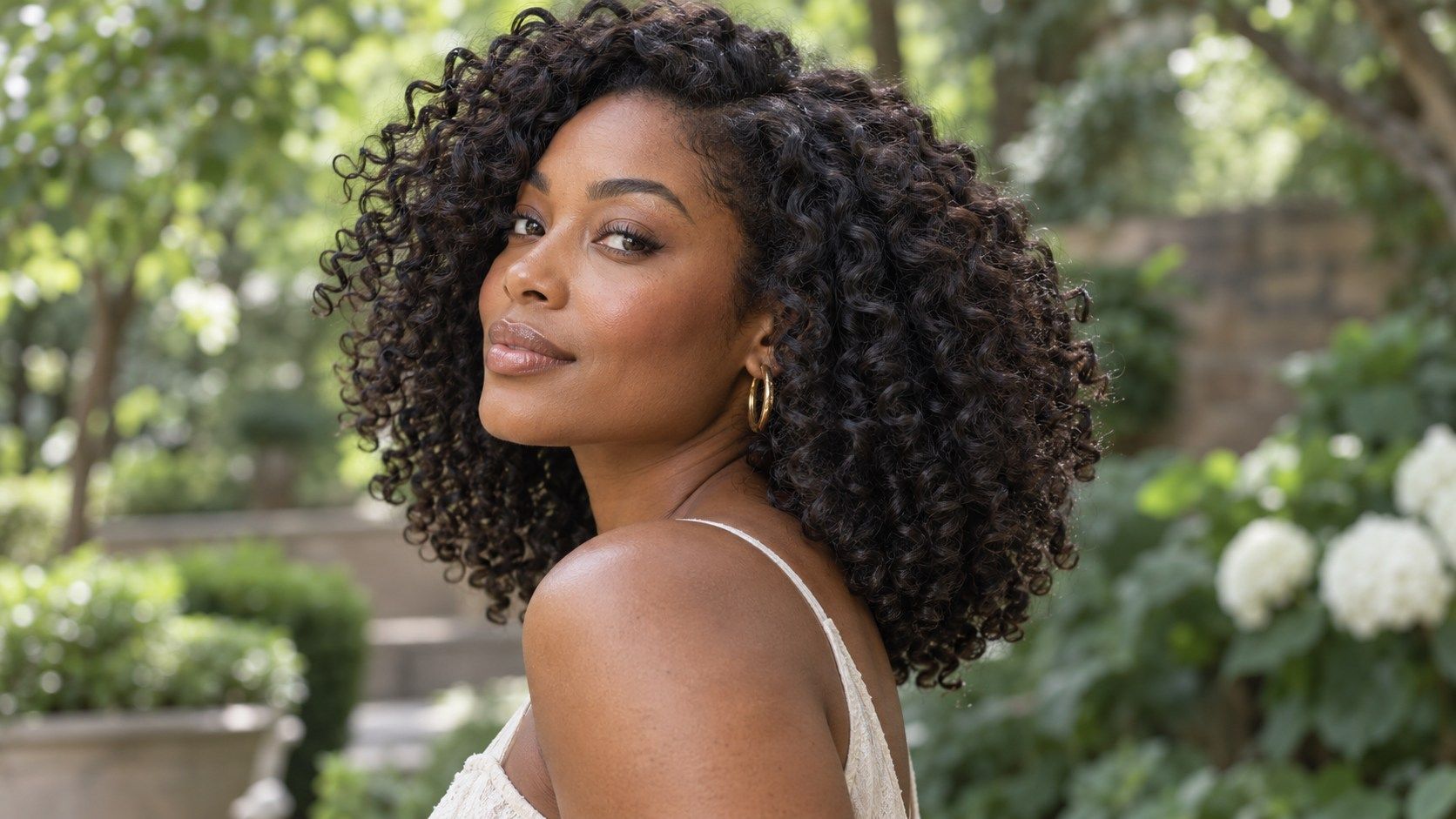
A curly hairstyle simulator can help you compare a rounded shape, a layered outline, or a shorter perimeter before making a change. The useful question is whether the image reflects your curl pattern and volume well enough to guide a conversation. Treat the result as a visual sketch: curls respond to length, moisture, density, and styling, so a screen cannot promise how a cut will behave after wash day. When choosing between photos, favor the one that shows the full perimeter over a close crop of the face. The ends tell you where the shape carries weight, and the crown shows whether the outline is balanced. If the source image is several months old, its length may no longer match your current haircut; take a fresh baseline before comparing substantial changes.
Start with a photo that shows your curl pattern
Choose a recent image in which your hair is worn in the state you want to discuss. If you usually wear a wash-and-go, use a photo after your normal wash day routine; if you wear stretched twists or a braid-out, choose that instead. The simulator can only work from visible information, and a tightly pulled-back style hides the very curl pattern that may determine the silhouette. Look for even light and a clear outline around the crown, sides, and ends. A front-facing photo helps compare balance, but a second image from the side can reveal whether the hair sits close to the head or expands outward. Avoid a hat, scarf, heavy filter, or an old photo from a different length. Those details can make the preview appear more certain than its starting point deserves. The goal is not a perfect portrait; it is a fair baseline you can reuse when comparing options.
A useful comparison is often about where fullness sits, rather than whether one version looks larger. Some people prefer lift at the crown and a narrower nape; others want a broad, rounded outline. Neither shape is a universal rule. Mark the area you want changed and ask how layers could redistribute weight without making the ends feel sparse.
Compare volume as carefully as length
Two styles can end at the same point on the neck and still read very differently. A rounded shape carries fullness around the sides, while a tapered perimeter removes weight near the nape and temples. When you try on curly hairstyles, look at the width of the outline, where the fullest area sits, and whether layers create separation or make the shape look wider. Density matters here. A preview may place a uniform mass of curls over the photo, even though your own hair could be fine, dense, or unevenly distributed. Notice whether the image covers the ears, changes the apparent forehead, or adds bulk at the crown. Those are useful comparison cues, not a diagnosis of what your hair will do. Save two or three shapes with different outlines rather than making a dozen small variations that are hard to distinguish.
For a fair comparison, note whether each reference is wet, damp, or fully dry. Curl clumps can look longer and more separated when wet, then contract as the hair dries. A simulator may not signal that shift. If length is important, keep a dry photo next to the preview and discuss the expected range rather than treating one screen measurement as exact.
Account for shrinkage and styling state
Curly hair can appear shorter when it dries because the curl pattern contracts. The amount varies by texture, length, product, and how the hair is styled; a simulator cannot calculate your personal shrinkage from one photograph. If a reference shows a stretched length, compare it with a photo of your hair dry and in its usual state. That contrast helps explain whether you want visible length, a compact shape, or room for styling versatility. Timing also changes the reference. Hair photographed just after a wash may have more definition or less volume than it has several days later. Think about the style you actually maintain through a typical week. If your routine includes diffusing, banding, or a protective style, mention that when sharing the preview. A haircut that looks appealing only under a styling routine you rarely use may not be the best match for daily life.
Look at references in ordinary light, not only under a salon ring light or a carefully arranged pose. Texture can appear more defined in one setup and fuller in another. A stylist may ask about your routine and products because those details affect the finished shape. The preview is a prompt for that conversation, not a substitute for describing your hair.
Match density and shape before choosing a cut
Reference images are most helpful when they show a similar density and curl family, even if the person has a different face or length. Compare the perimeter, the placement of layers, and whether curls form distinct clumps or a softer halo. A dry cut may be discussed when a stylist needs to see the hair in its natural fall, but methods vary by professional and by the goal of the service. The preview cannot decide which cutting approach is right. Use a small comparison set: one rounded outline, one layered option, and one more tapered shape. Write down what changes between them. For example, you may like the side volume in one image but prefer the shorter nape in another. That kind of observation is more actionable than saying a style looks “better” without naming the detail. If a result seems disconnected at the edges, the tool may be placing curls over the photo rather than showing a plausible blend.
Before settling on an option, decide which feature matters most: preserving length, reducing bulk, creating a rounder shape, or making the nape easier to maintain. Those goals can point toward different cuts even when the reference images seem similar. Naming a priority helps keep the consultation focused and makes it easier to judge whether a proposed adjustment fits your expectations.
Take the preview into a real consultation
Bring the image as a conversation aid and explain what you want to preserve: curl definition, fullness, length at the front, or an easy wash-and-go routine. Ask the stylist how the outline might change when your hair is wet, dry, stretched, or arranged in curl clumps. A screen image cannot show movement, split ends, uneven shrinkage, or how your curls settle after a trim. A useful discussion can include practical boundaries. How much length are you comfortable removing? Do you want the nape tapered? Are you willing to reshape the cut between appointments? Which styling steps are already part of your wash day? These details help translate a virtual hairstyle preview into clear preferences while leaving room for professional judgment. If the simulator output looks polished but unlike your actual texture, keep the silhouette as inspiration and use real reference photos to ground the conversation.