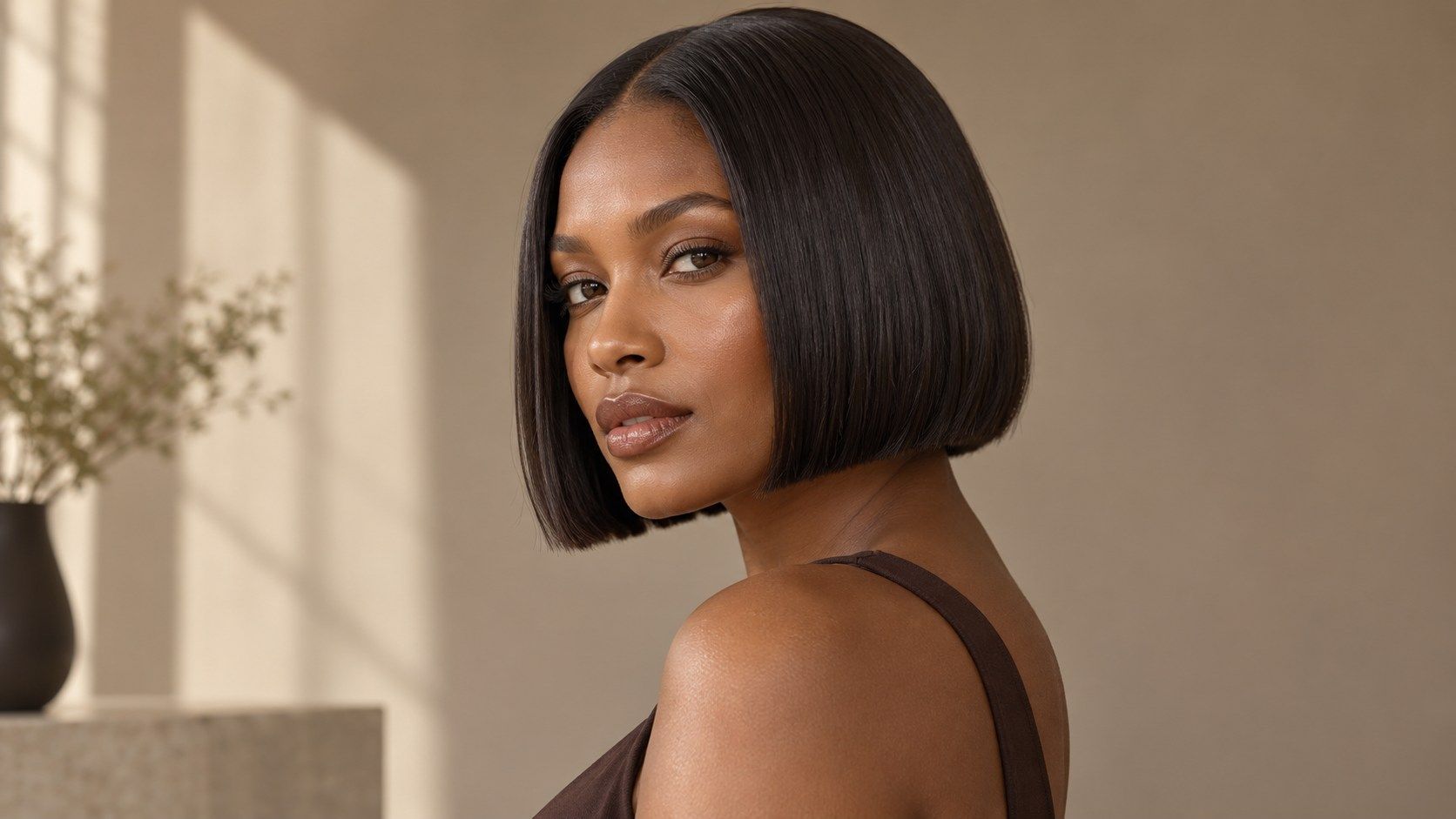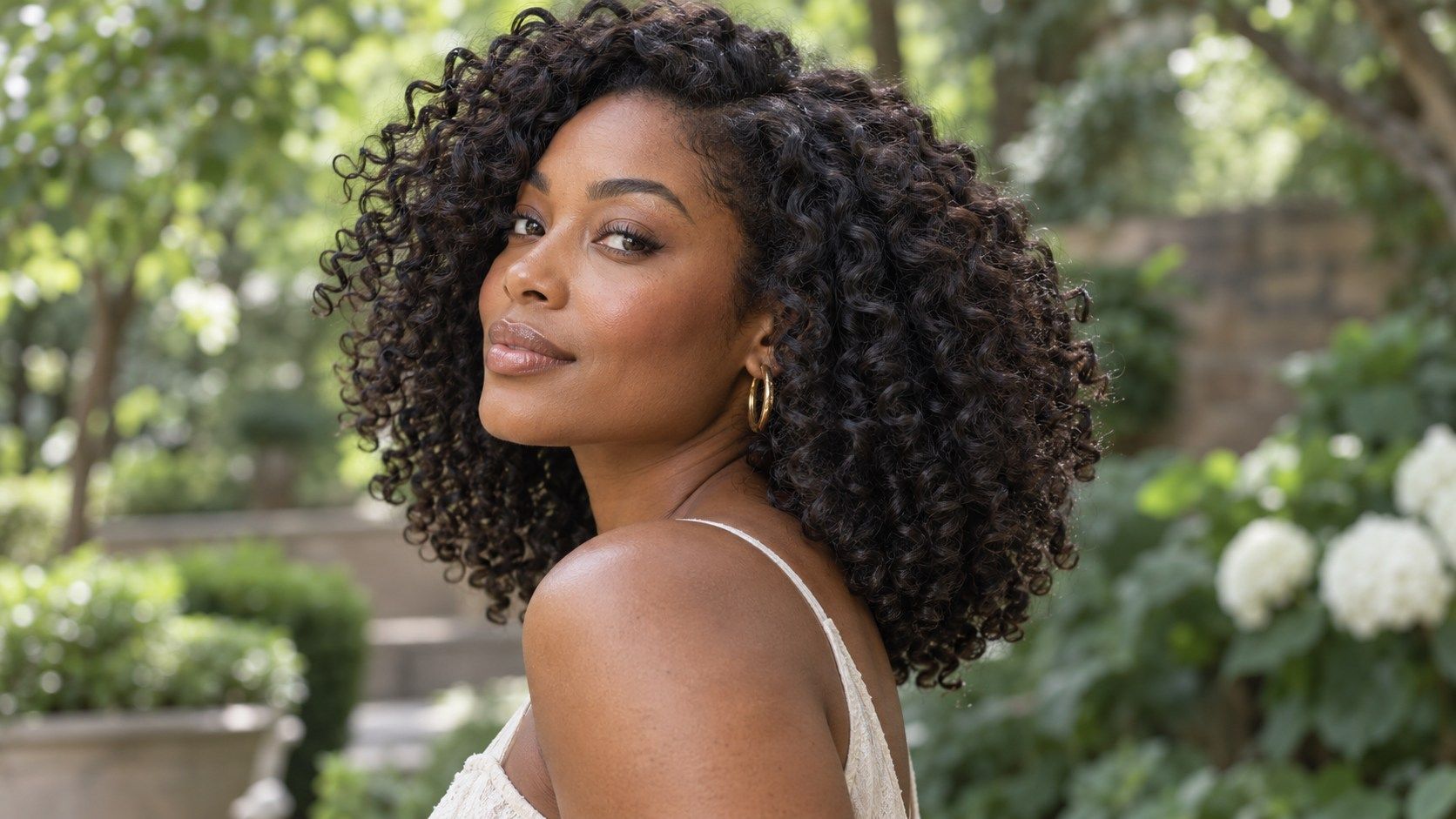
Choosing a haircut is easier when you can compare a few clear possibilities before making a change. A photo preview gives you a way to look at shape, length, and framing on your own features, while leaving room for the realities a screen cannot show: texture, growth, styling, and the back of the cut. Use it to sharpen your questions and preferences, not as a prediction of an exact salon result.
Separate length from layering
When you try on long hairstyles, length and layers are easy to confuse. A longer outline can look softer simply because it covers more of the shoulders; shorter layers can add movement without changing the overall length. Use the same photo and compare a one-length shape with a layered version at a similar endpoint. This isolates the effect of the layers. If you change color, part, and length together, it becomes difficult to tell which detail you prefer.
Choose a photograph that shows the shoulders and a little of the chest. Long hair can extend well below the crop, so a close selfie may hide the true endpoint. A level head and even light make it easier to compare the sides. The screen image is a guide to proportion, not a measurement: camera distance and posture can shift where the ends appear relative to your collarbone.
Compare where the shortest layers begin
The layer start controls where movement appears near the face. Pieces beginning around the cheekbone create a more noticeable frame; layers that begin near the jaw or collarbone keep more weight lower. In a long hairstyle preview, compare these starting points while holding the overall length steady. Look at the transition between the shorter front pieces and the back length. A clean overlay may make that transition seem smoother than a real cut, so use the image to identify the location you like.
Ask whether the shortest pieces can be tied back or tucked behind the ear. This is an everyday test that a still picture cannot answer. If you wear glasses or prefer hair away from your face, the front layers need enough length to work with those habits. A stylist can assess how your hair falls and whether the layer begins where you expect once the hair is dry and moving.
Check the ends and overall density
Long hair can look full at the ends or taper gradually. The preview may render a thick, even bottom edge even when your own hair is finer or more layered. Zoom out to judge the silhouette, then zoom in to check whether the ends look plausible. Compare a more solid perimeter with a softer one. If the digital result hides your natural ends or clips into clothing, it may be a rendering issue rather than evidence about the cut.
Density affects how layers behave. More layering can remove weight and create movement, but it can also make the ends appear thinner. A blunt outline may preserve a stronger edge while limiting swing. Curly or wavy textures can create different shapes as they dry, and long curls often sit at a different apparent length than stretched hair. Describe the finish you actually wear, not only the smoothest version offered by a simulator.
Use a photo with visible shoulders
The shoulders provide a reliable reference for long hair. A cut at the collarbone reads differently from one that falls below the chest, and the distinction disappears if the photo ends at the chin. Choose a straight-on image where both shoulders are visible, hair is not hidden under a scarf, and the camera is not angled down. Keep your posture relaxed. Small changes in head tilt can shift the face frame and make one side seem longer.
A second photo can help if you have a different everyday texture, but compare options within each photo rather than treating them as identical measurements. If your hair is usually wavy, a straightened photo may still show the broad length, though it cannot show the natural volume. Save the source photo and note what each preview is testing. That record keeps the comparison grounded when you later talk with a stylist.
Think through styling time
Layers are often chosen for movement, but movement can depend on styling, product, and natural texture. A preview cannot tell whether a shape will air-dry smoothly or need a round brush and heat. Consider your routine: how long you spend on wash days, whether you use hot tools, and whether you need a quick ponytail. Ask how the shortest layers will behave when tied back and how the ends are expected to sit without styling.
Heat styling is a personal choice, not a requirement for long layers. If you prefer low-heat care, say so during the consultation and ask for a cut that works with your natural pattern. If you enjoy styling, explain the result you can realistically recreate. Use the preview to shortlist a layer start and overall length, then ask about maintenance and how the shape changes as it grows. It helps frame the conversation; it does not promise an exact salon result.
Do not judge long layers from the face alone. The outline through the shoulders, the thickness at the ends, and the way the front pieces connect all influence the result. A useful saved image shows enough of the body to place the length, while a separate close view can clarify the layer start. Bring both only if they answer different questions. A small set of purposeful references is easier to discuss than a folder of near-duplicates.
Do not judge long layers from the face alone. The outline through the shoulders, the thickness at the ends, and the way the front pieces connect all influence the result. A useful saved image shows enough of the body to place the length, while a separate close view can clarify the layer start. Bring both only if they answer different questions. A small set of purposeful references is easier to discuss than a folder of near-duplicates.
Do not judge long layers from the face alone. The outline through the shoulders, the thickness at the ends, and the way the front pieces connect all influence the result. A useful saved image shows enough of the body to place the length, while a separate close view can clarify the layer start. Bring both only if they answer different questions. A small set of purposeful references is easier to discuss than a folder of near-duplicates.