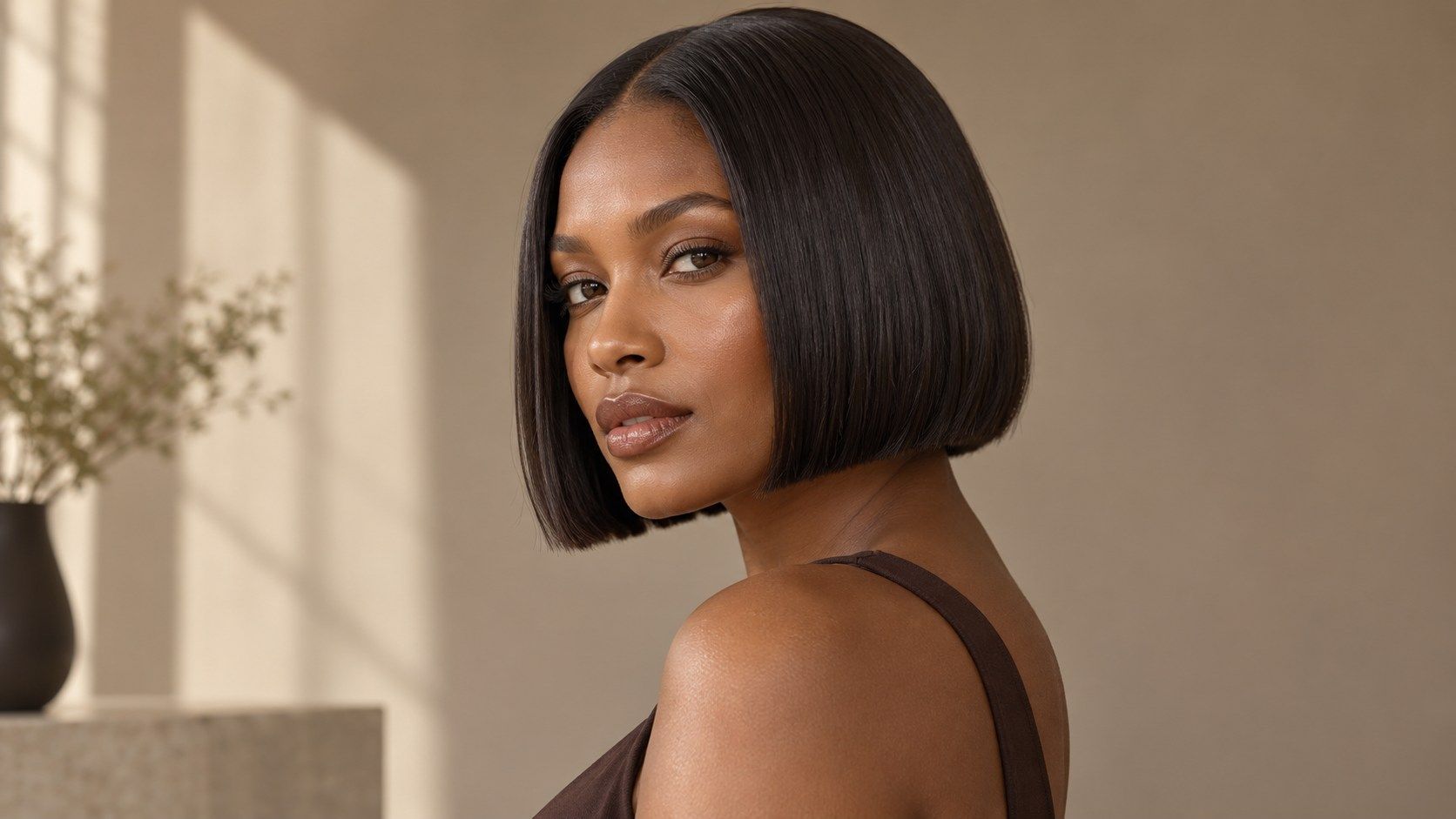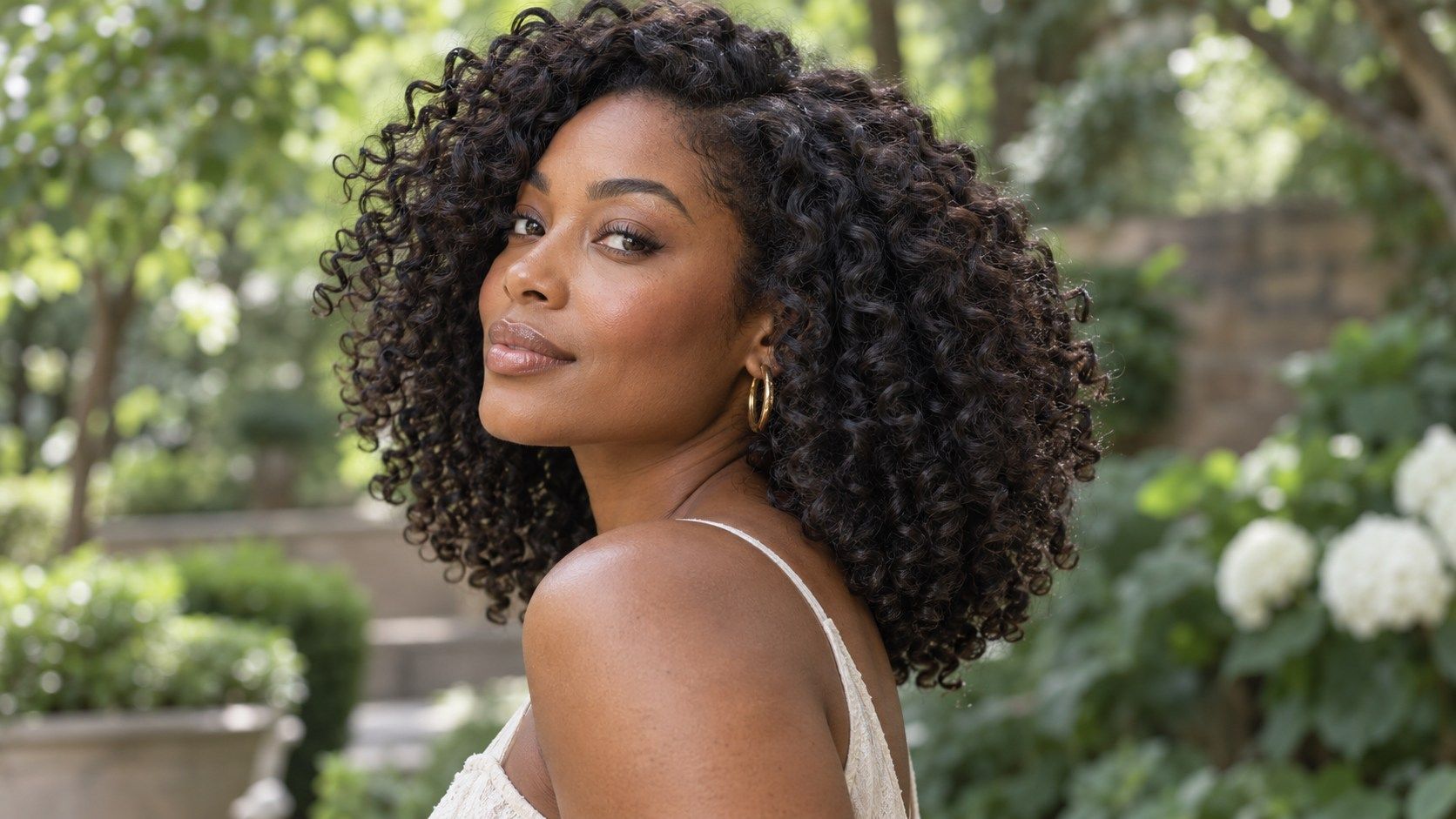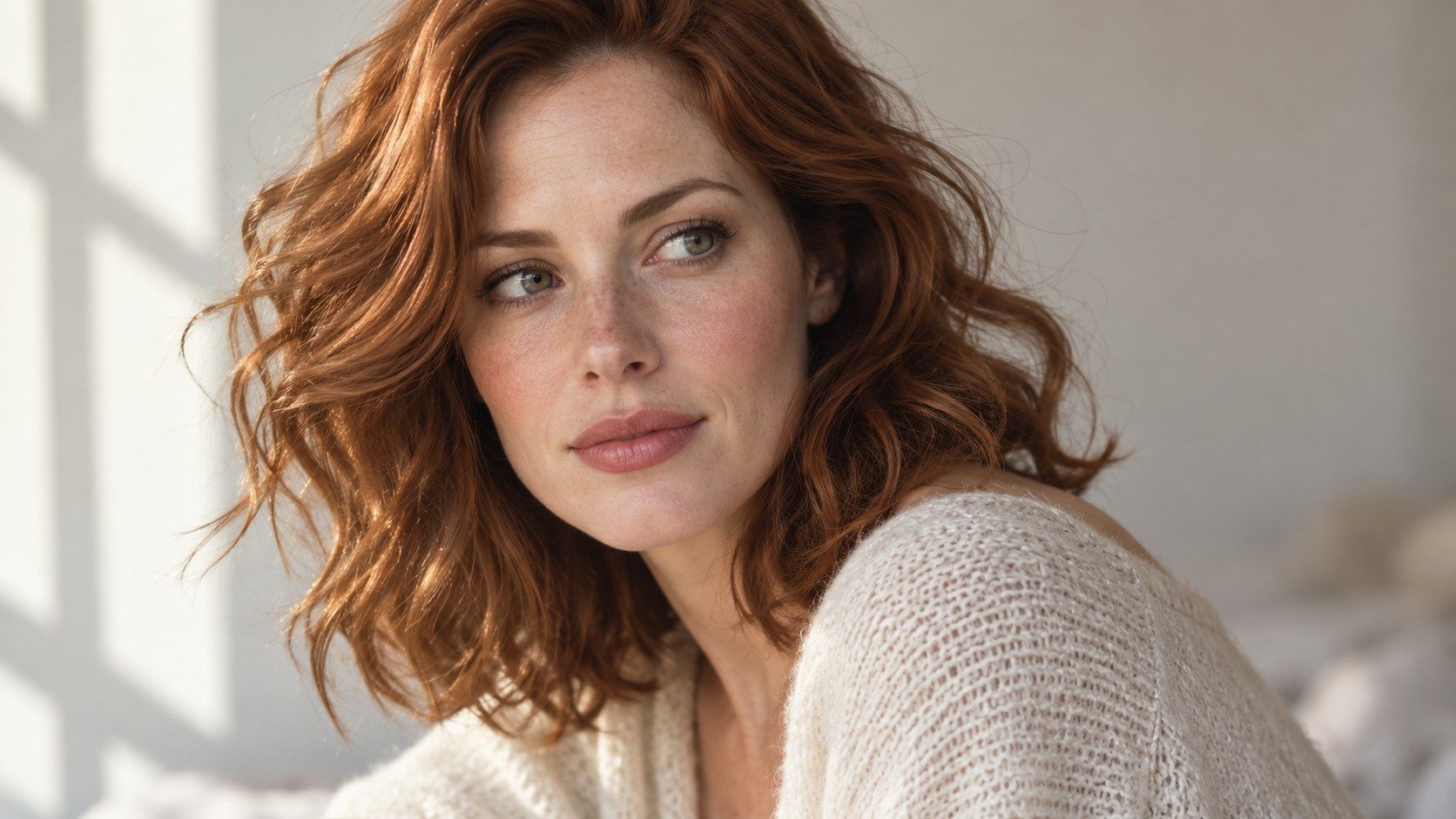
A hairstyle simulator online can help you judge broad changes in length, outline, or parting before you speak with a stylist. It cannot predict the exact salon result. Hair moves, grows, and responds to styling in ways a still image cannot capture. Read a virtual haircut preview as a mock-up: useful for naming preferences, limited when it comes to texture, density, and day-to-day behavior. Accuracy is not one single score. A tool may represent approximate length well while handling a fringe, texture, or hairline poorly. Decide what you need the preview to answer before judging it. If you are choosing between two broad silhouettes, edge artifacts may matter less than if you are evaluating a precise temple line or layered detail.
Separate a visual mock-up from a salon result
A preview combines your photo with an image or generated layer representing another style. It can suggest whether you prefer a shorter outline, a fringe, or more length around the face. It does not know the full structure of your hair or how a stylist will cut it. Even a convincing image is still a still image, not a promise of the same shape after a wash, trim, or blow-dry. Think of the output as a way to make a preference visible. Instead of saying “something different,” you can point to a length or silhouette and explain what appeals to you. The distinction matters most when considering a major change. A dramatic preview may be useful for exploring the idea, but the practical plan should account for texture, density, growth patterns, and maintenance. Treat confidence in the render as separate from confidence in the haircut itself.
Lighting and source quality influence how convincing the overlay appears. Shadows can hide the original outline, and a busy background may make edges difficult to separate. Try a clear, recent photo if the image looks inconsistent. A better source can improve the comparison, though it cannot give the simulator information about movement or density that the photograph does not contain.
Inspect the hairline, ears, and mask edges
Look around the places where a hairstyle layer meets the original photo: temples, forehead, ears, neck, and shoulders. A pasted-looking edge, a halo, or hair that covers part of an ear can signal that the tool is approximating the shape. These details do not automatically make the whole image useless. They help you decide which parts to trust. The overall length may be readable even when the edge treatment is imperfect. Check both sides of the face. If the hairline shifts or becomes unnaturally even, the simulator may be smoothing over your natural outline. Ask whether the important decision is about a broad shape or about a precise edge. The former can still be discussed using the mock-up; the latter usually needs a real photo and professional assessment. A second source photo with clearer lighting may help distinguish a processing artifact from a feature hidden by shadow.
Consider how the style behaves in the conditions you actually encounter. Wind, humidity, hats, exercise, and sleeping can all change a hairstyle through the day. The render may show a fixed, freshly arranged finish. Ask what styling steps would be needed to maintain it and whether that level of effort fits your habits.
Remember movement, texture, and density
A still render cannot show how hair swings, separates, curls, or settles after you move. Straight hair may fall forward; waves can expand or lose definition; curls may shrink as they dry. Density also affects the result: two people with the same length can have different volume and coverage. An AI hairstyle preview often represents a polished surface, so examine whether it preserves the character of your own hair or replaces it with a generic texture. Styling changes the picture too. A look that depends on heat, product, or daily shaping may require more effort than the preview suggests. If you prefer low-maintenance hair, compare options against a photo taken on an ordinary day. Ask yourself what happens after a night of sleep or several hours outdoors. The screen cannot answer those questions, but naming them can keep a visually attractive option connected to your actual routine.
For a major change, collect references from more than one person with similar texture and density. No single photo can account for every difference in head shape, growth, or styling. Look for a repeated silhouette or detail across several examples, then use the simulator to test your reaction to that broad direction. This reduces the chance of anchoring on a highly polished but unusual render.
Check more than one view and one styling state
A front view shows balance around the face; a side view can reveal the nape, layers, and how the style projects from the head. If you only have a front-facing tool, use real reference photos to fill in the missing angles. Do not infer the back of a haircut from a single image. Details such as stacked layers or a tapered neckline may be invisible from the front. For textured hair, compare a usual dry state with a stretched or freshly styled reference if length is part of the decision. For shorter cuts, check how the outline works with a natural part or cowlick. A simple set of views can expose where a preview is persuasive and where it is incomplete. Save the images together, label what each one shows, and avoid comparing a polished render with a casual photo as though they were equivalent.
It can help to take a screenshot and annotate the exact feature you mean. Circle the fringe length, the amount of side volume, or the nape outline, then explain what you would change. Avoid presenting a digital preview as a technical cutting instruction. The stylist still needs to assess your hair in person and decide how to translate the preference into a workable shape.
Use the image to clarify preferences with a stylist
A good consultation starts with what you like and what you want to avoid. Point to the perimeter, the amount of length, the fringe, or the volume in the preview. Explain which parts are inspiration rather than fixed requirements. A stylist can assess your hair in person and discuss how texture, density, growth direction, and styling habits affect the result. The simulator cannot replace that assessment. Ask practical follow-up questions: how much length would need to come off, what upkeep the shape requires, and how it may look between appointments. If you are unsure, bring a conservative version and a bolder one, then agree on a boundary before cutting. A virtual haircut preview can help you articulate a direction; a real consultation turns that direction into a plan suited to your hair. Keep the distinction clear and the tool becomes more useful, even when the final cut differs from the screen.